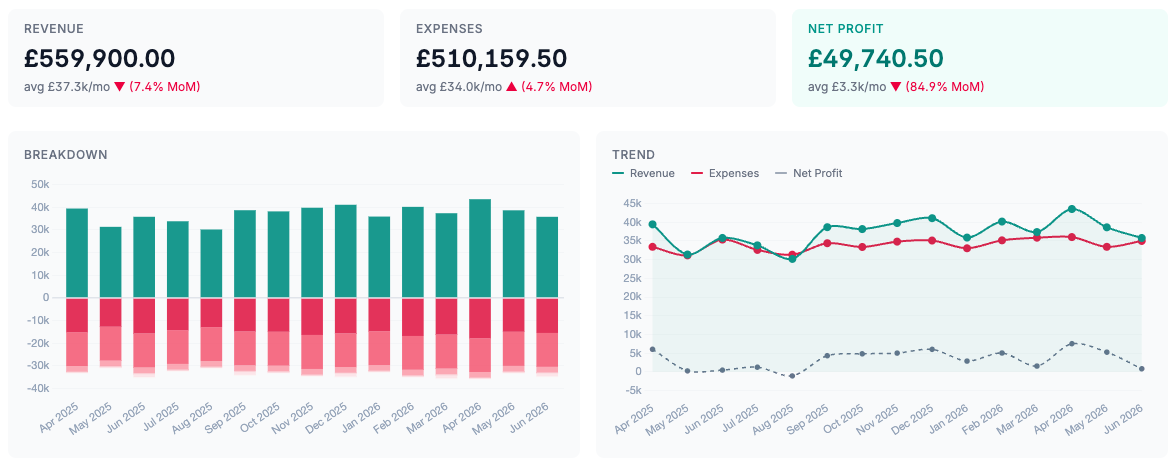
01
Recurring sales invoices
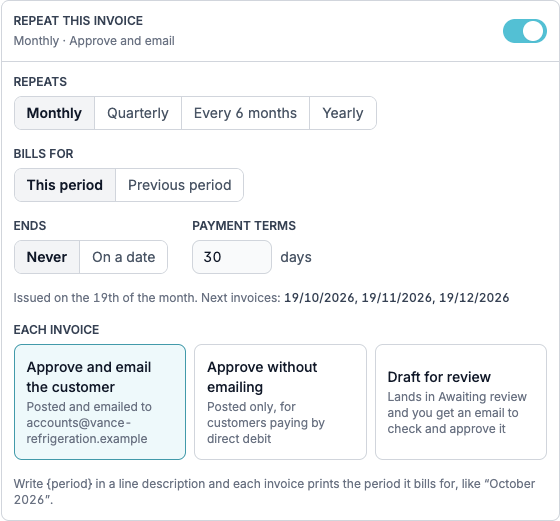
Set an invoice up once and Briefcase raises it every month, quarter, six months or year. For each one, choose to approve and email it to the customer, approve it without emailing - for customers paying by direct debit - or draft it for review, with an email telling you it’s waiting. Write {period} in a line description and each invoice prints the period it bills for, like “October 2026”.
Start one from Sales → Recurring, or click Repeat on any invoice you’ve already raised. Recurring invoices covers the details.
02
Invoices in your branding
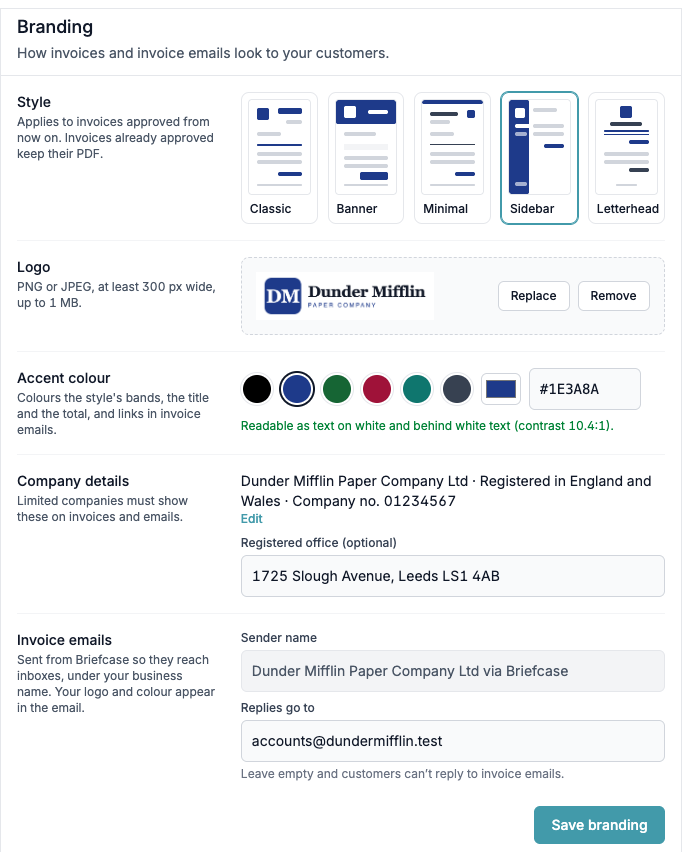
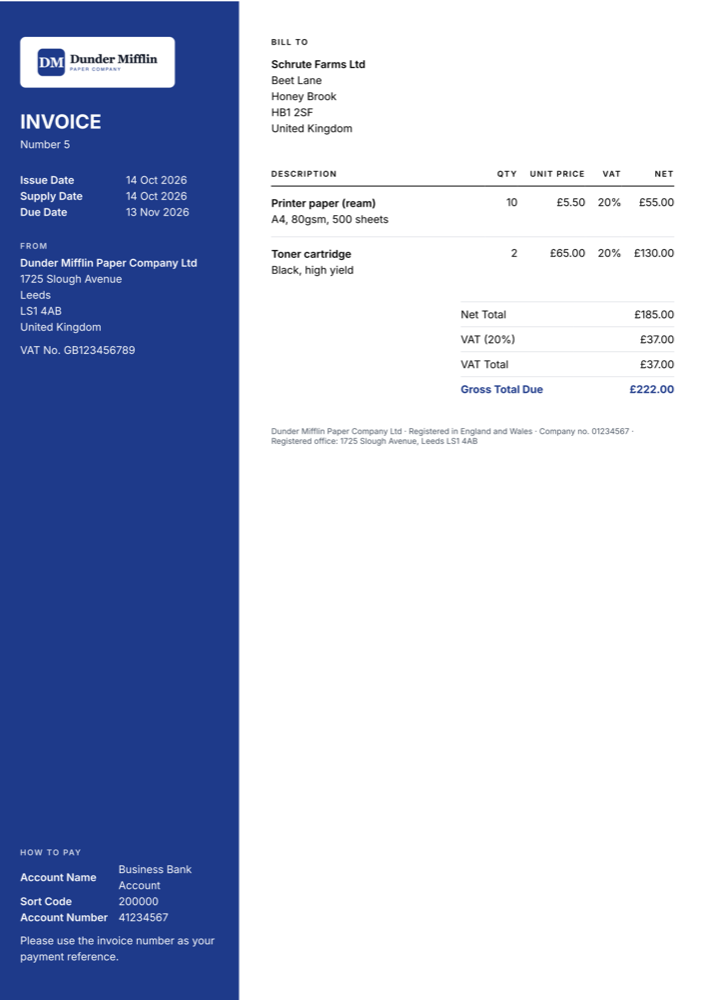
In Settings → Invoicing, pick one of five styles, add your logo and an accent colour, and watch the live preview update as you go. Limited companies can add their company number and registered office, which print on every invoice and email. Invoice emails go out under your business name with your logo and colour, and replies come straight to you. Branding walks through each setting.
Also new: save an invoice as a draft before approving it, add the customer’s PO number and line descriptions, and see each invoice’s full history.
03
Stripe
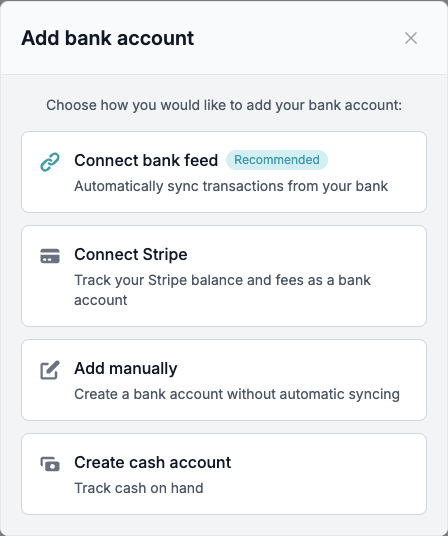
Connect Stripe is now open to every Briefcase Ledger business, under Bank → Add bank. Each Stripe balance becomes a bank account, one per currency, and every charge comes in with its Stripe fee on a separate line. Briefcase reads the Stripe customer and invoice to pick the contact and code the sale, and matches each payout to the deposit in your bank account as a transfer. Each Stripe line counts as a quarter of a bank line towards your plan.
04
Two years of history when you move
Moving a company from Xero or QuickBooks Online to Briefcase Ledger now brings its history with it: every journal from the start of last financial year up to the day you switch - up to two years. Monthly reports and last year’s comparatives work from day one, and VAT returns aren’t affected.
The import has a new History step: upload the Journal Report and Briefcase checks every journal against the trial balance before anything posts. The import also maps the chart of accounts with AI, brings across customers, and reads unpaid invoices and bills from the aged reports - and you can undo it until the company goes live. Step-by-step guides for Xero and QuickBooks Online.