01
Built for your phone
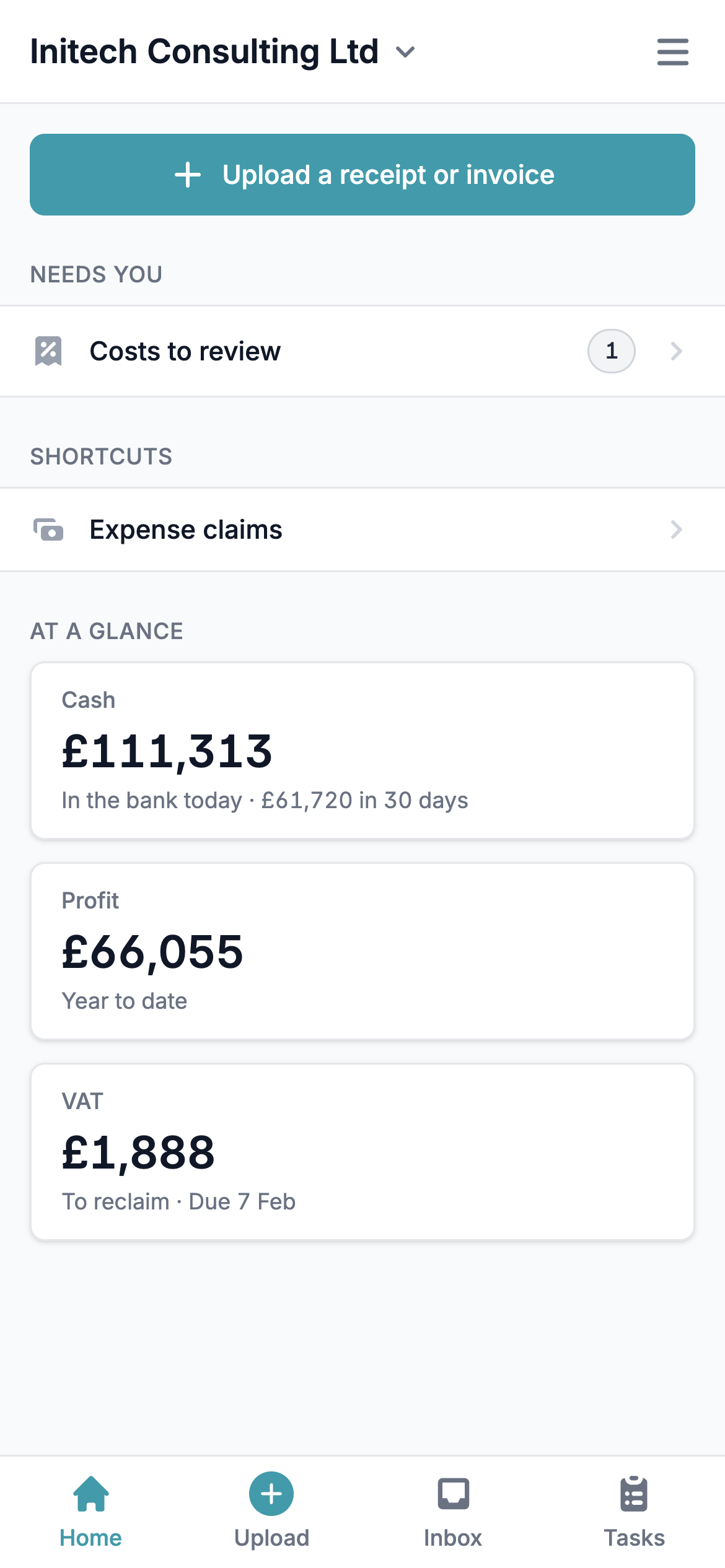
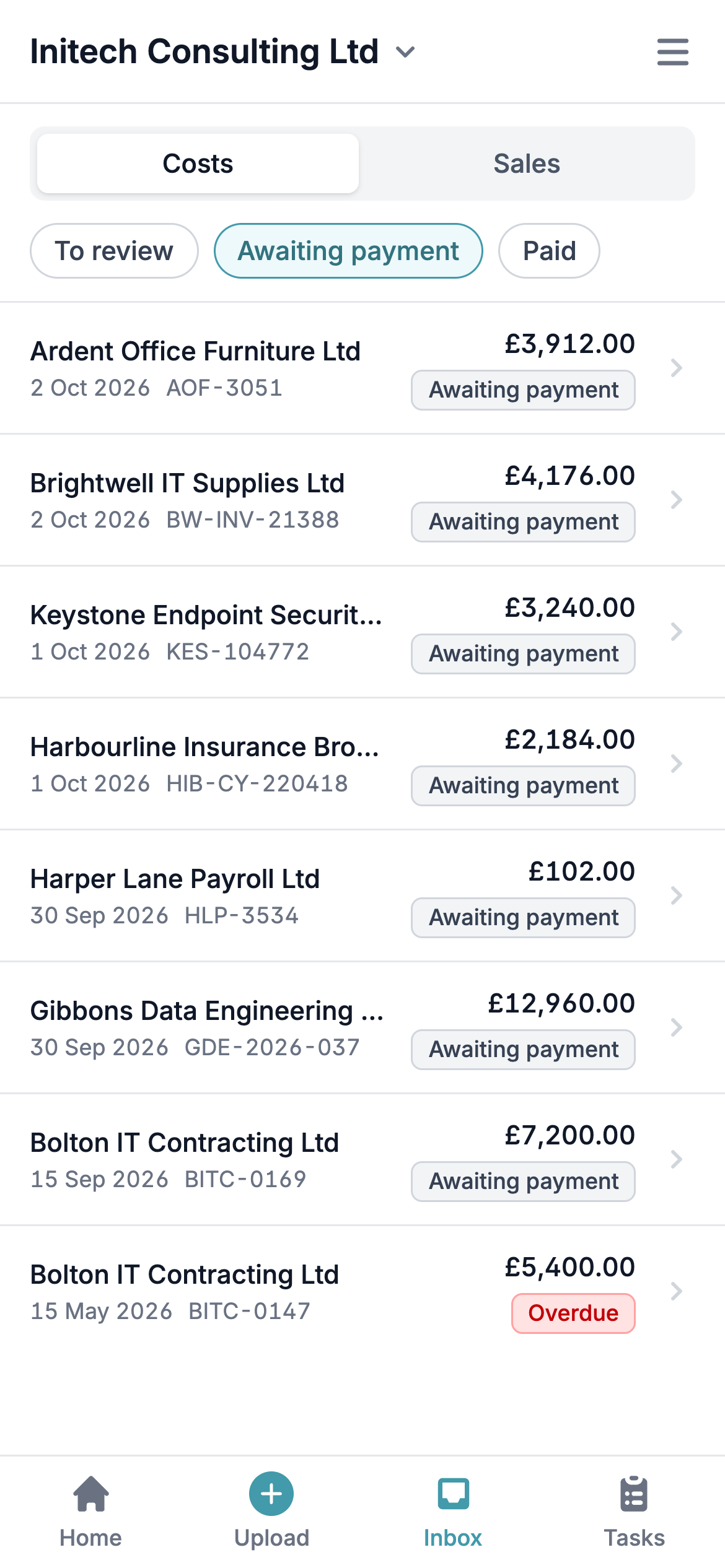
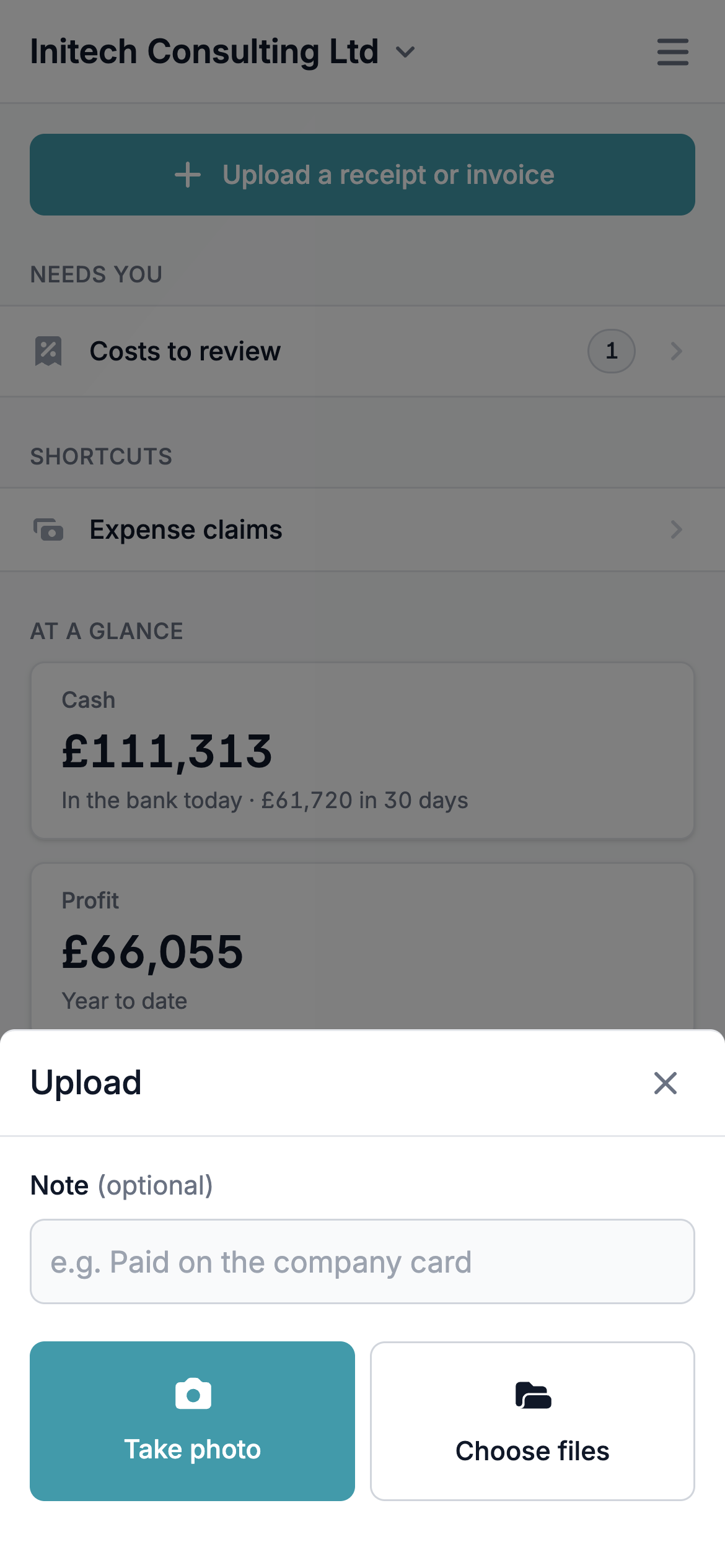
Open app.briefcase.so on your phone and Briefcase now fits the screen. Accountants get their client list with each client’s ledger, connection status and what’s waiting to review, and every business opens on a home screen that shows what needs you: costs and sales to review, and expense claims. Upload, Inbox and Tasks sit along the bottom, one tap from anywhere.
For Briefcase Ledger businesses, At a glance shows cash in the bank with a 30-day forecast, profit year to date and where VAT stands.
02
Review and approve on the go
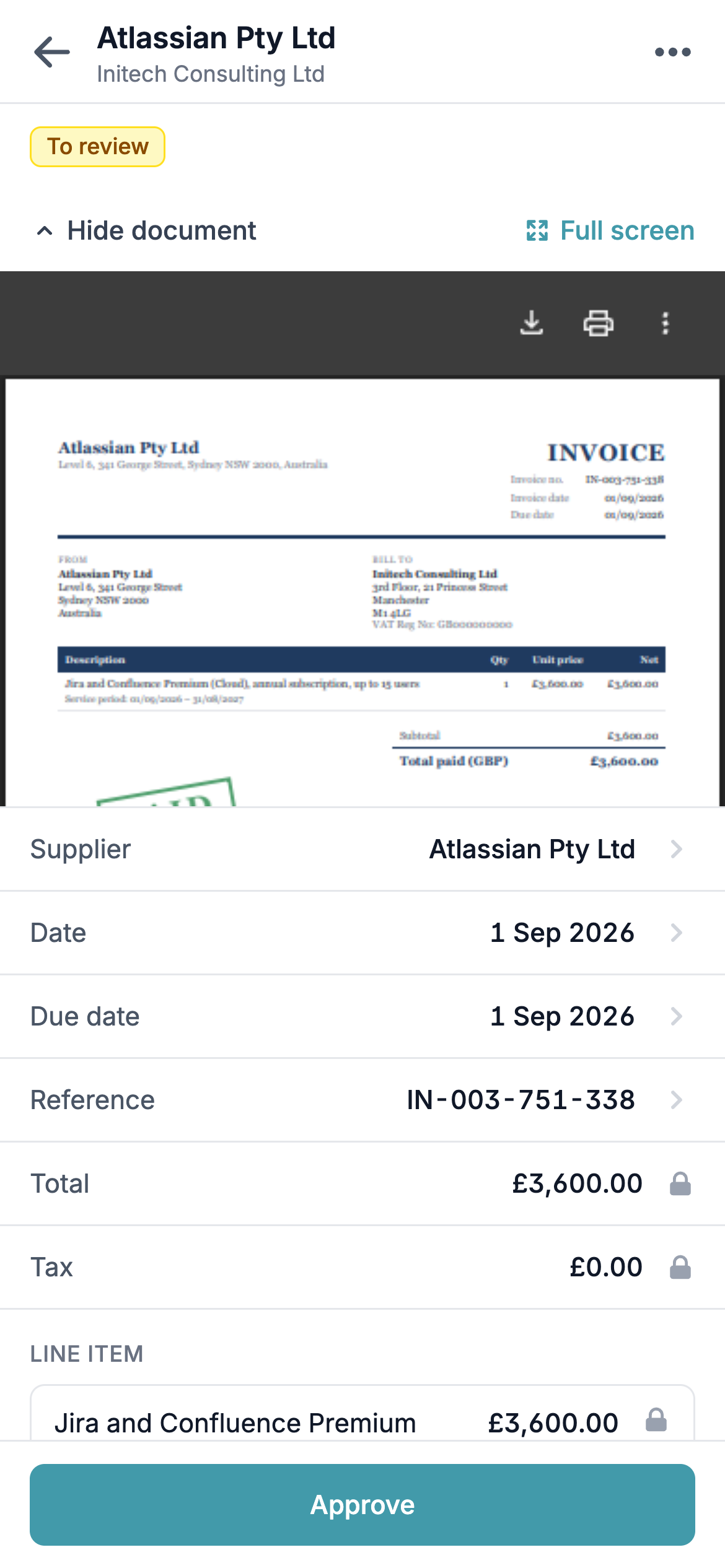
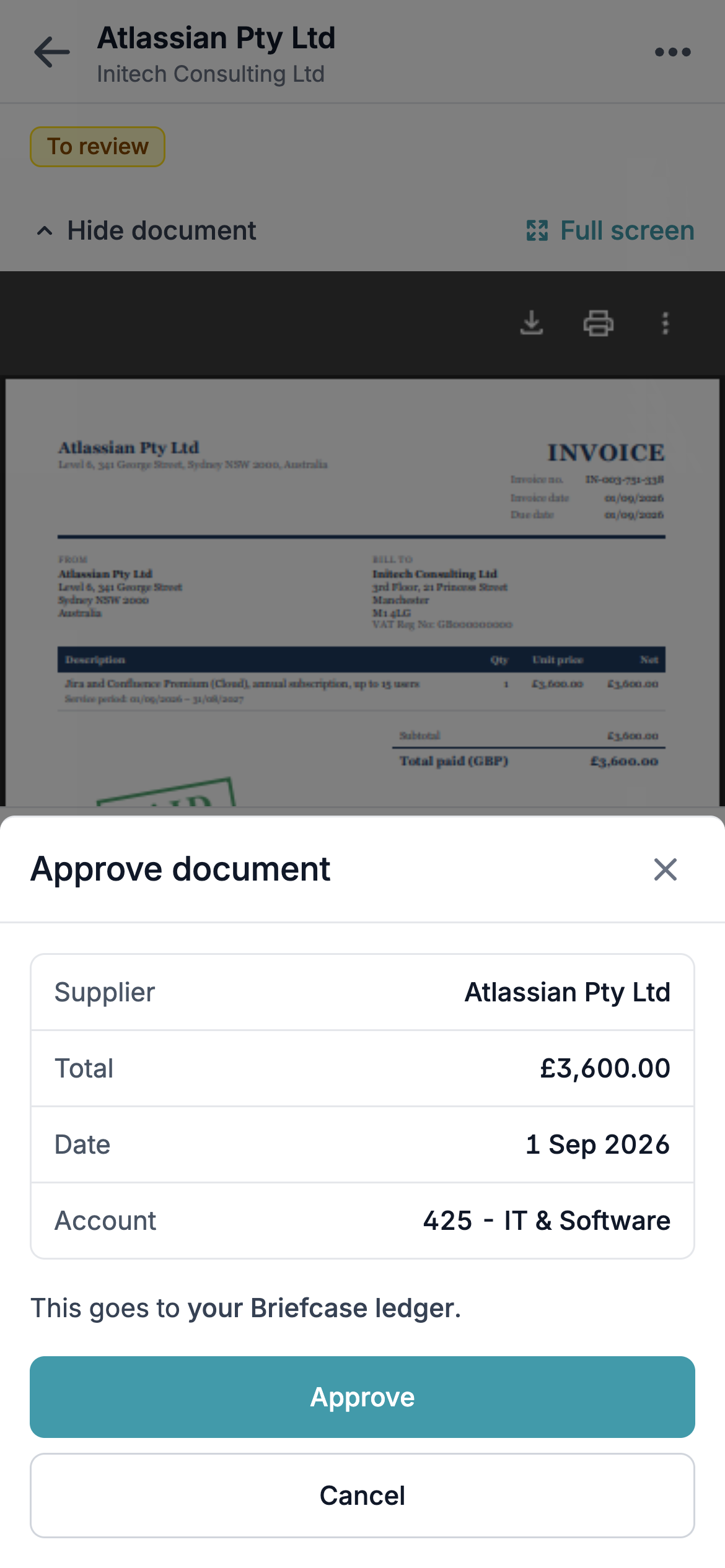
Open any cost or sale to see the document above the supplier, dates, reference, account and tax rate Briefcase read from it. Tap a field to change it, and Approve publishes it to Xero, QuickBooks or Briefcase Ledger with your changes. Documents you don’t need can be archived from the same screen.
Amounts are locked on mobile, so totals and line items are changed on desktop.
03
Receipts, expense claims and payments
Tap Upload to take a photo of a receipt or pick files from your phone, with an optional note like “Paid on the company card”. Briefcase reads it the same way as an email or desktop upload.
Expense claims can be checked against their receipts and approved from your phone. Tasks lists everything open, assigned to you or due today, and payment requests can be approved or rejected there - or approved and paid straight away, authorising the payment with your bank.
04
Add Briefcase to your home screen
Save Briefcase to your home screen and it opens like an app. Setting up Briefcase on mobile walks through it on iPhone.
Pages that aren’t on mobile yet show Continue on desktop, with a link you can share to your computer to pick up where you left off.