Before you raise your first invoice, set the details every invoice prints: who it is from and how your customer pays. Both live in Business settings → Invoicing on a Briefcase Ledger business.
Issuing name and address
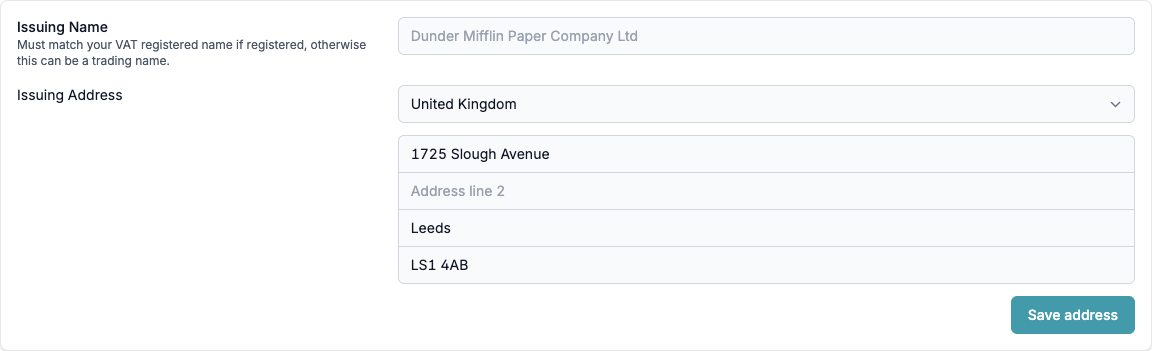
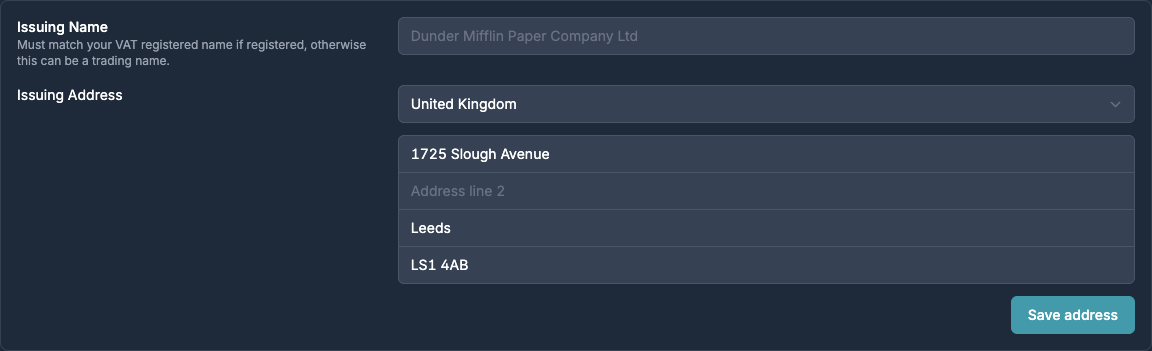
- Issuing name is the business name printed on your invoices. If you are VAT registered it must match your VAT registered name; otherwise it can be a trading name. It saves as you type.
- Issuing address prints under the name. Press Save address when you are done.
Payment details
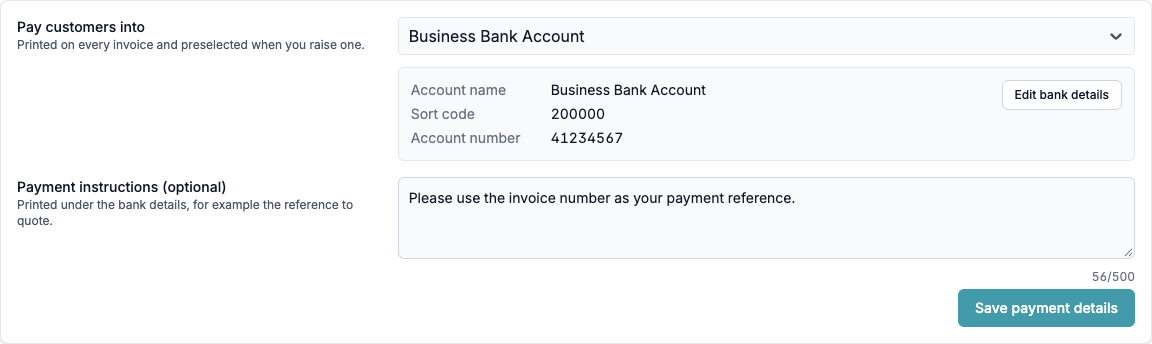
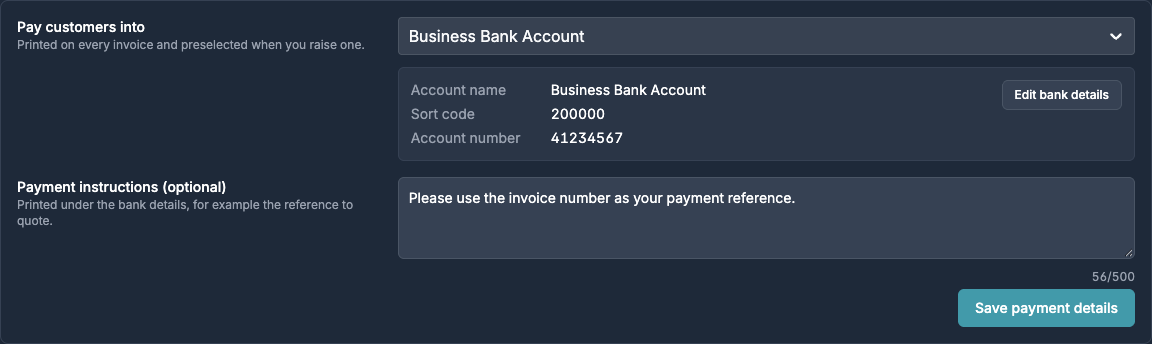
- Pay customers into: choose the bank account customers should pay. Its account name, sort code and account number print in the "How to pay" box on every invoice. If any are missing, press Edit bank details.
- Payment instructions (optional): a short note printed under the bank details, for example "Please use the invoice number as your payment reference".
Press Save payment details. The account is preselected whenever you raise an invoice or set up a recurring one, and you can still pick another account, or None, on a single invoice.
Changes apply to invoices approved from now on. Invoices that are already approved keep the PDF they were issued with.