Show clients you're a Briefcase partner. Every accounting firm with partner pricing can download a badge for its partner level, Bronze, Silver, Gold, Platinum or Diamond, and add it to its website or LinkedIn.
Download your badge
Go to the billing page (admins only).
Click Partner badge, next to your partner level.
Click Download badge. You'll get a 480 × 480 PNG that stays sharp on high-resolution screens.
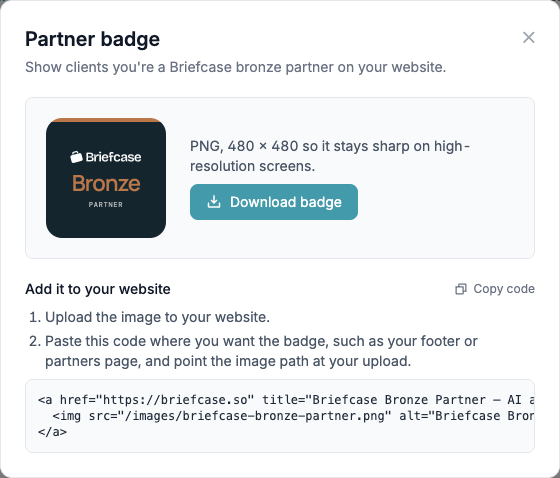
Your badge matches your current partner level, which is based on the number of licenses your firm holds. See Billing, licenses and auto-upgrade explained for the levels. If you haven't reached Bronze (10 licenses) yet, you'll see a preview of the badge you're working towards.
Add it to your website
Upload the image to your website.
Click Copy code in the badge window and paste it where you want the badge, such as your footer or partners page.
Change the image path in the code to point at the image you uploaded.
The badge links to briefcase.so. When you move up a level, download the new badge and swap it in.
Got a question? Email support@briefcase.so.