When the money in the bank doesn't match the invoices or bills you tick, Briefcase Ledger shows a Difference section and asks what happened. Your answer posts the difference in the same step, so you don't need a separate journal. It does the job of adjustments in Xero's bank reconciliation.
Match a payment with fees taken off
In this example, Schrute Farms paid Dunder Mifflin's £222.00 invoice by card. The card provider kept £3.53 in fees and paid £218.47 into the bank.
- Open the bank account and click the payment. If Briefcase suggests coding it, choose Find invoice.
- Search for the customer and tick the invoice.
- Under Difference, choose Fees were deducted.
- Check the account and VAT, then choose Match and post.
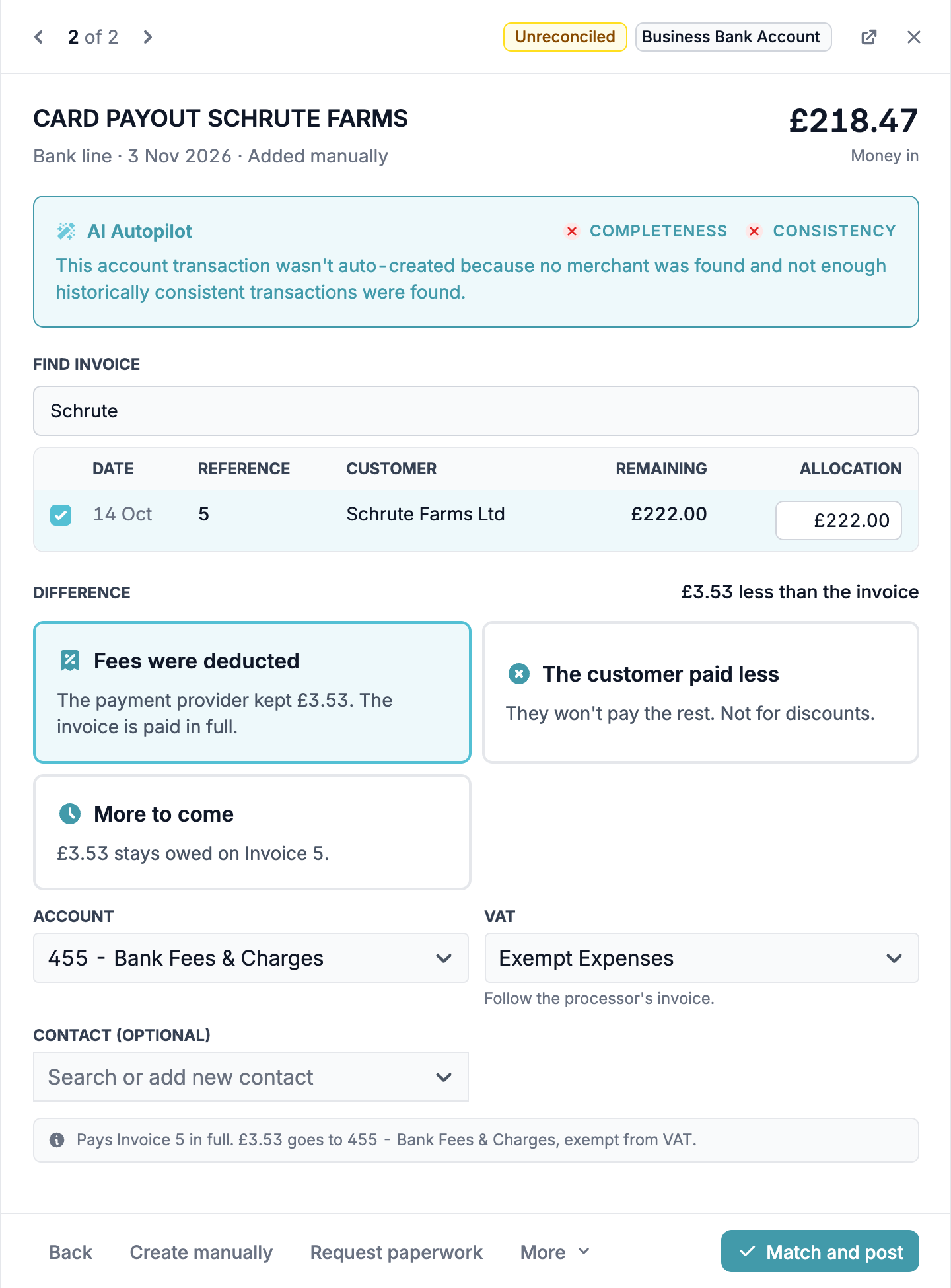
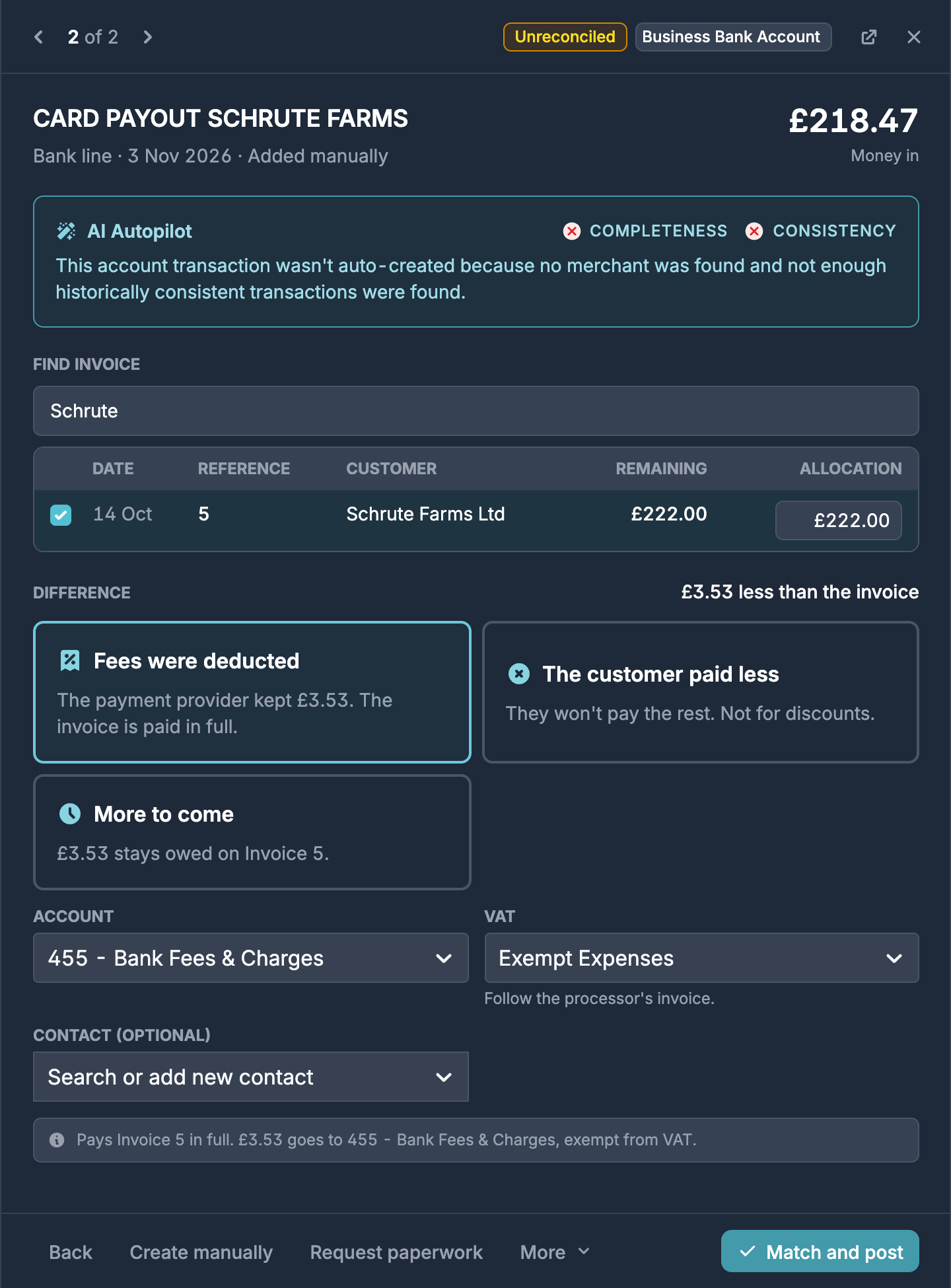
Briefcase suggests your bank charges account for the fee. Set the VAT to match the provider's fee invoice: many card processors don't charge VAT on their fees, but if yours does, choose the standard rate and check the VAT amount. If you claim VAT on the fee here, don't also post the provider's fee invoice as a bill, or the fee is counted twice.
Choices for money in
When you receive less than the invoices you ticked:
- Fees were deducted: a payment provider kept a fee, such as card, Stripe, SumUp or GoCardless fees. The invoices are paid in full.
- The customer paid less: the customer won't pay the rest, so you write it off. See below.
- More to come: it's a part payment. The rest stays owed on the invoice. If you ticked several invoices, choose which one it stays on.
- Rounding: for differences under £1. Briefcase suggests your other expenses account, and rounding has no VAT.
When you receive more than the invoices, choose Overpayment or Payment in advance, or Rounding if it's under £1. How do I record a payment on account in Briefcase Ledger? explains both.
Write off what the customer won't pay
In this example, Vance Refrigeration paid £89.00 against a £90.00 invoice, and the £1.00 isn't worth chasing.
- Tick the invoice and choose The customer paid less.
- Enter a reason. Briefcase keeps it with the write-off.
- Check the account. Briefcase suggests your bad debts account.
- Choose Match and post.
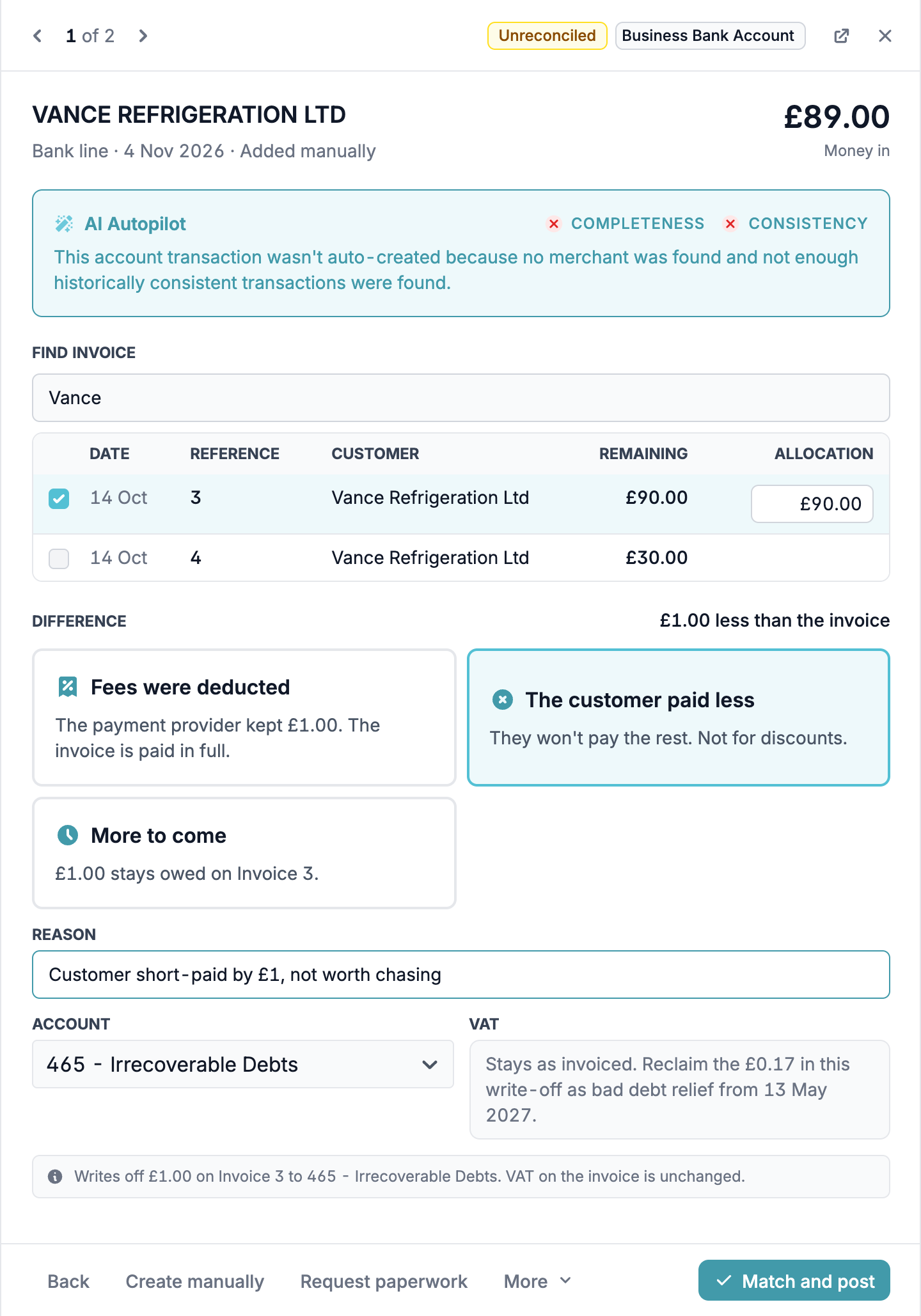
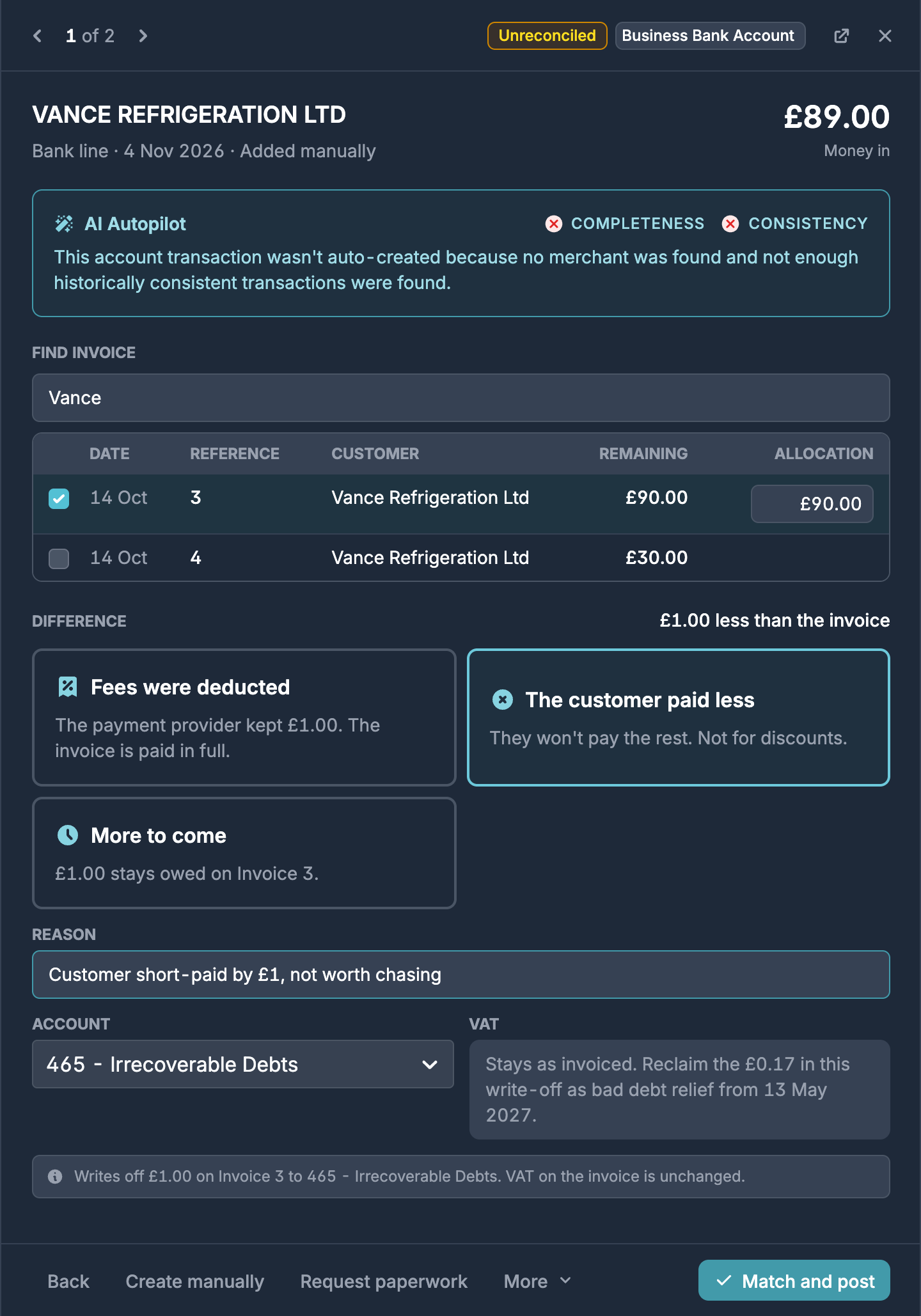
The VAT on the invoice stays as it was. Briefcase shows the date you can reclaim the VAT in the write-off as bad debt relief, which is six months after the payment was due.
If the write-off is more than 5% of the invoice, Briefcase warns you. Choose More to come instead if the customer may still pay. Don't use a write-off for a discount you agreed: record a credit note for it instead.
Choices for money out
When you paid less than the bills you ticked:
- The supplier accepted less: they agreed to take less. Briefcase takes the reduction off the bill's lines and reduces the input VAT in proportion. Ask the supplier for a credit note and keep it with your records.
- More to pay: it's a part payment. The rest stays owed on the bill.
- Rounding: for differences under £1, with no VAT.
When you paid more than the bills:
- Bank charges were added: the bank added a charge to the payment. The bills are paid in full and the charge goes to your bank charges account.
- We overpaid the supplier or Paid in advance: see How do I record a payment on account in Briefcase Ledger?
Which clients see each choice
The customer paid less and The supplier accepted less show on limited company clients when you tick one invoice or bill. The other choices show on every client.
The same choices appear when you start from an invoice or bill and match it to a bank line.