Non-depreciable fixed assets
You can now add non-depreciable fixed assets (such as land) to the Briefcase fixed asset register for tracking purposes. To do this:
- Click “Add asset” from within the fixed assets inbox as normal.
- On the asset details page, toggle the “Non-depreciable” switch. This removes the depreciation schedule for the asset:
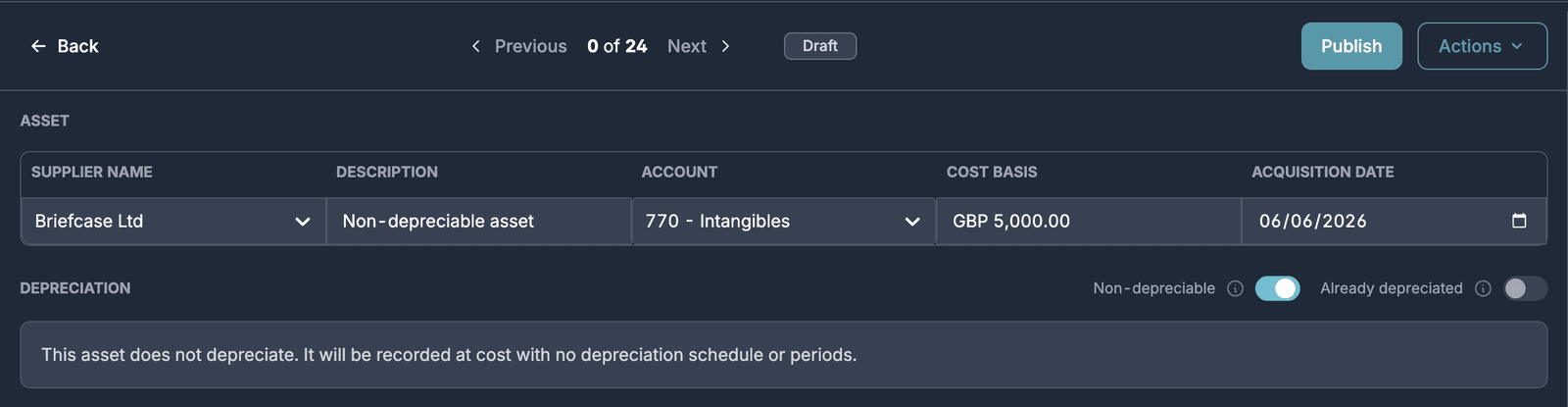
- Fill in the rest of the asset’s details as normal and click “Publish” to save the asset to the register.
“💡 Briefcase will now also automatically detect non-depreciable fixed assets from invoices for you to add to the register.”