Bulk import prepayments
You can now bulk import prepayments via CSV. Go to the Prepayments Inbox, click the dropdown next to "Add prepayment", and select "Bulk import":
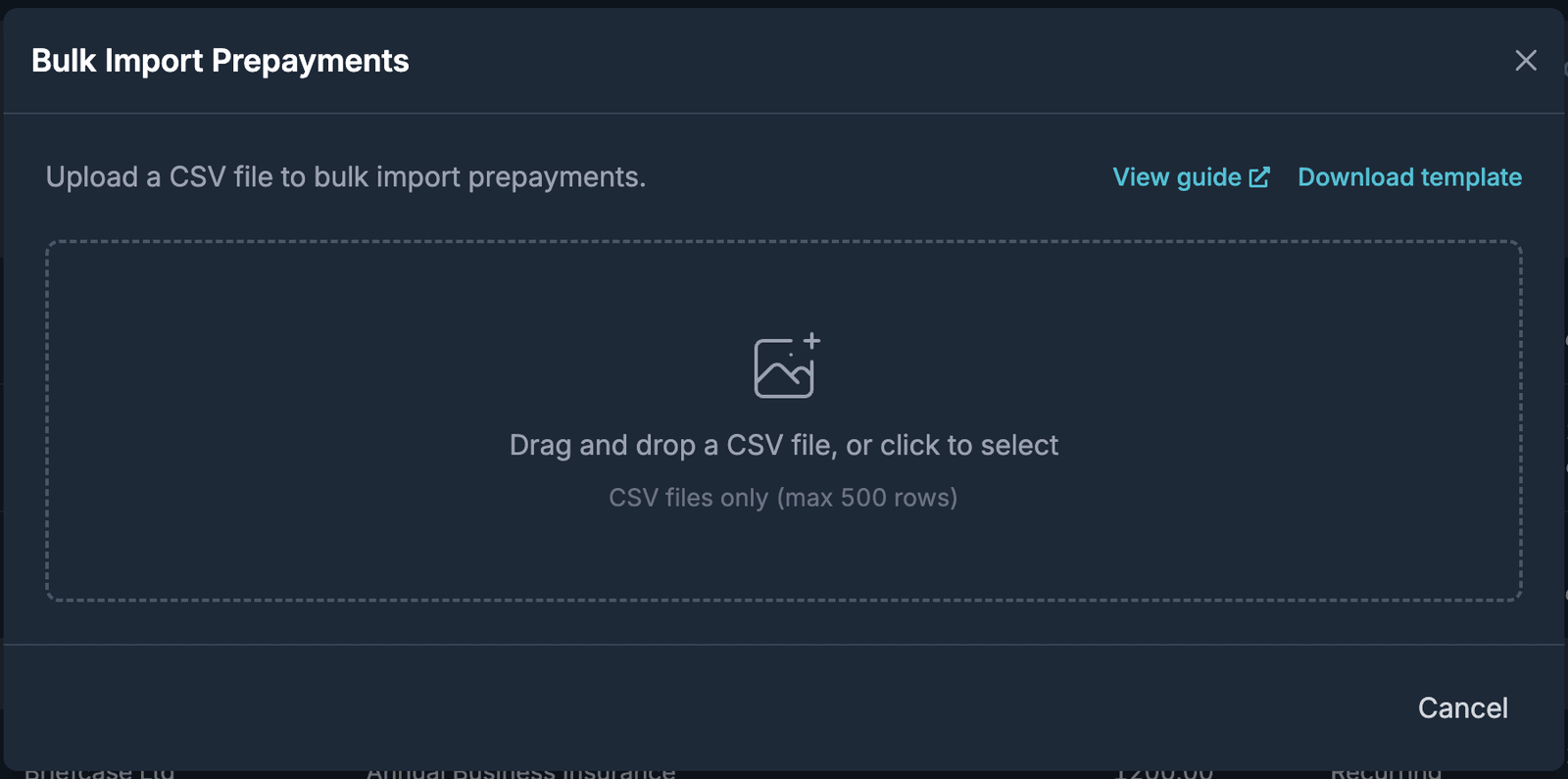
Drag and drop or click to upload your CSV. Briefcase validates the file and flags any errors row by row. Once every row is valid, click "Import x rows" to start processing.
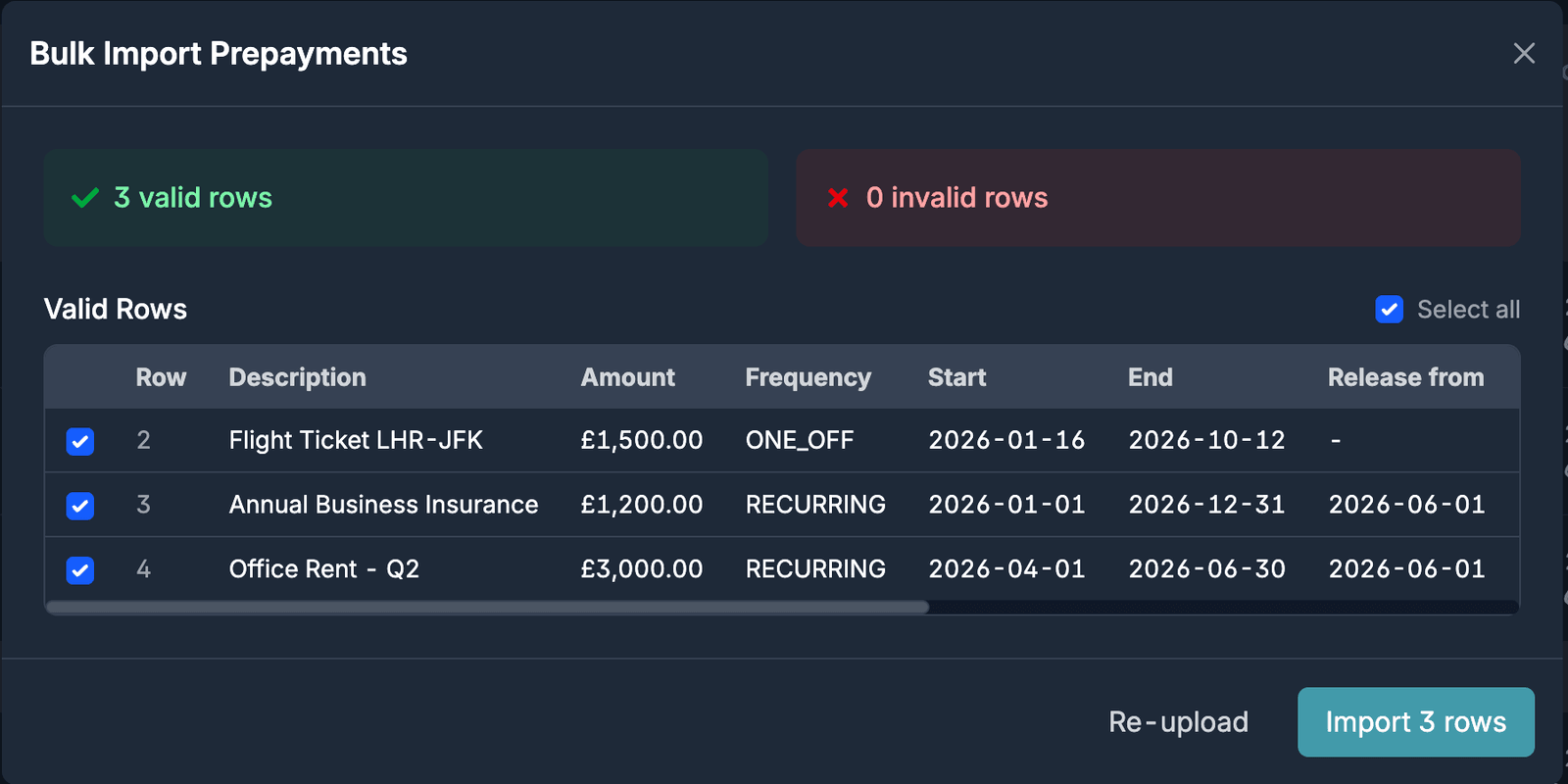
Briefcase processes each row and creates a prepayment, which then appears in the "Awaiting review" section. From there, publish as normal.