All Updates
Update
Light mode and tracking categories for prepayments
Toggle between dark and light themes, plus assign tracking categories to prepayment schedules.
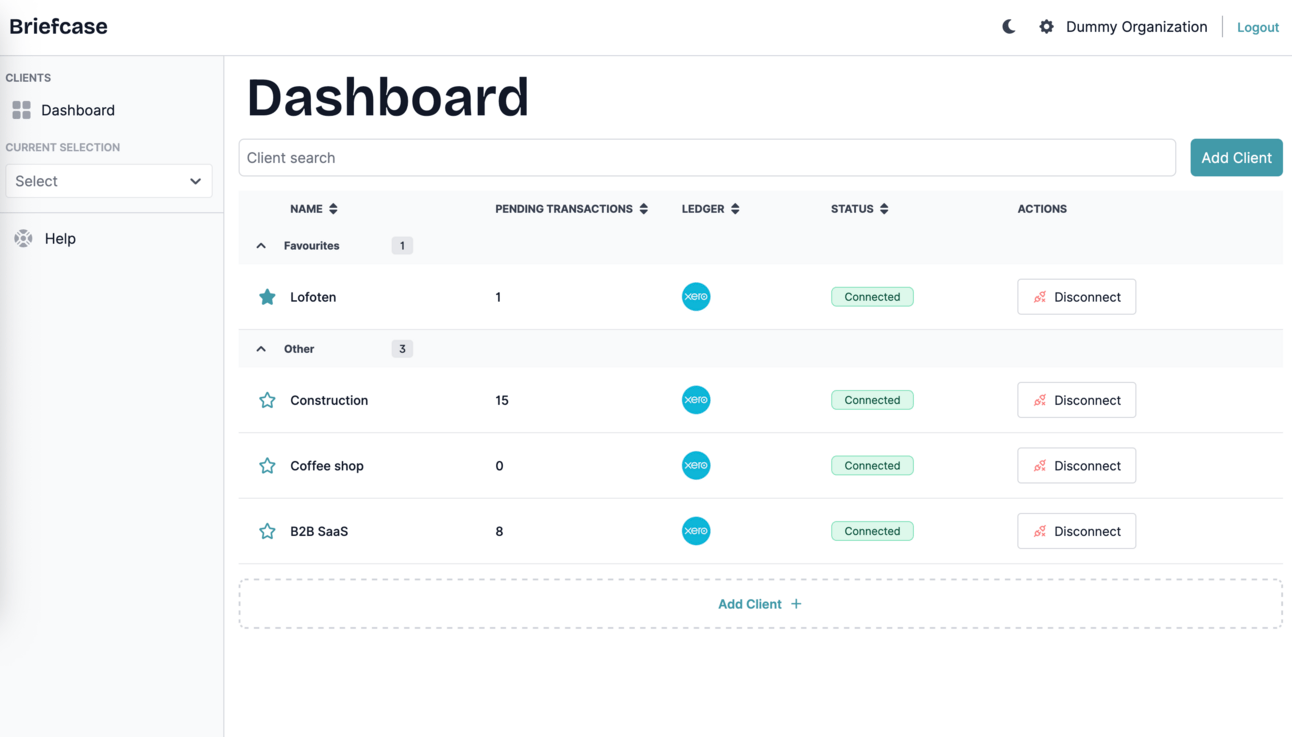
Light Mode
Users can now toggle between dark and light themes using a sun/moon icon located in the top-right corner of the interface.
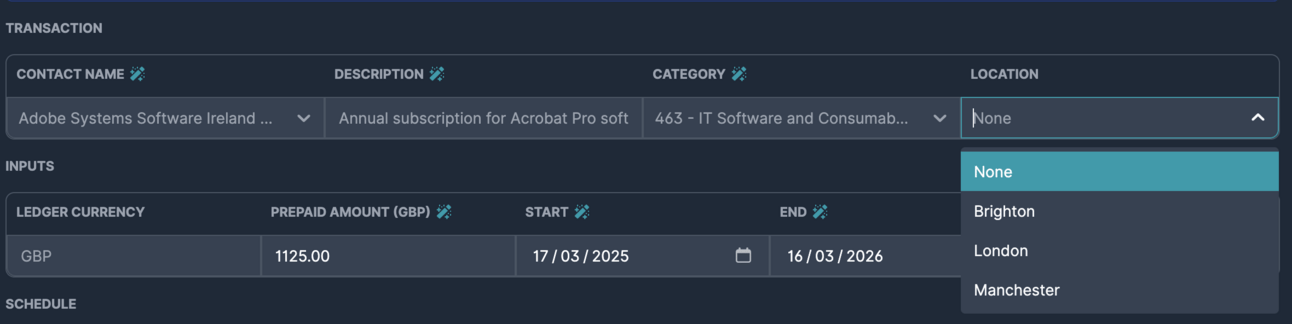
Tracking Categories for Prepayments
The update enables users to add a tracking category to a prepayment schedule. Once assigned, the system automatically applies this tracking category to every journal entry the schedule generates.
Mandatory 2FA
Two-factor authentication is now required for all accounts. Users can configure this in advance by navigating to Settings → User settings → Enable MFA, or they will be prompted to set it up upon their next sign-in.