All Updates
Update
Adding WhatsApp support
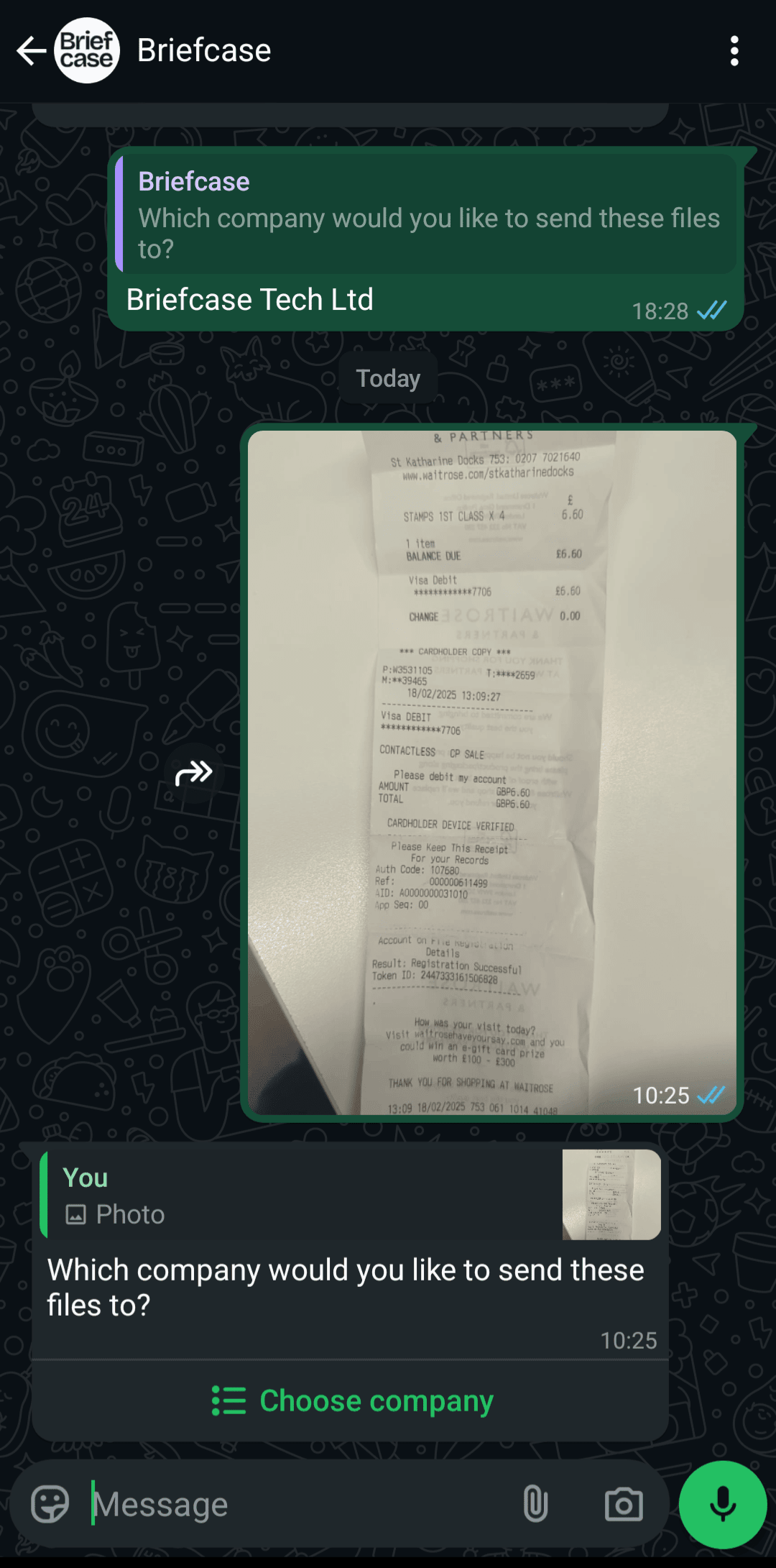
Submit invoices and receipts directly to Briefcase via WhatsApp for streamlined document management.
WhatsApp support
You can now submit invoices and receipts directly to Briefcase via WhatsApp for streamlined document management.
How to Get Started
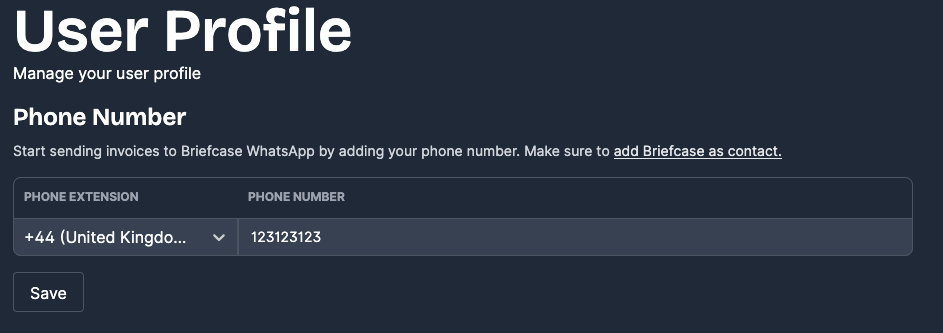
- Go to Organization Settings (the cog icon in the top-right corner)
- Enter your phone number to connect your account
- Add Briefcase as a contact in your phone
- Start using WhatsApp
How It Works
- Send invoices or receipts as a WhatsApp message to the Briefcase business account
- If you have access to multiple companies, you'll be prompted to choose which one receives the documents. Mark certain companies as favorites within Briefcase to customize this selection
- Single-entity users experience automatic invoice processing with no additional steps required
- Invoices are typically processed and ready for review within 60–90 seconds