Briefcase supports both tracking categories (Xero) and classes (QuickBooks) based on their set up in your ledger.
Automatic population
Briefcase uses AI to automatically populate tracking categories and classes on your transactions. The AI considers:
Historical patterns - how similar transactions have been categorised in the past
Document context - mentions of tracking category or class names found in the invoice or bill itself
Transaction details - the supplier/customer, line item descriptions, and account categories
Each prediction includes a confidence score. Only high-confidence predictions are applied automatically, so you can trust that the AI is making accurate assignments. As you process more transactions, the AI learns from your choices and becomes more accurate over time.
Manual adjustments
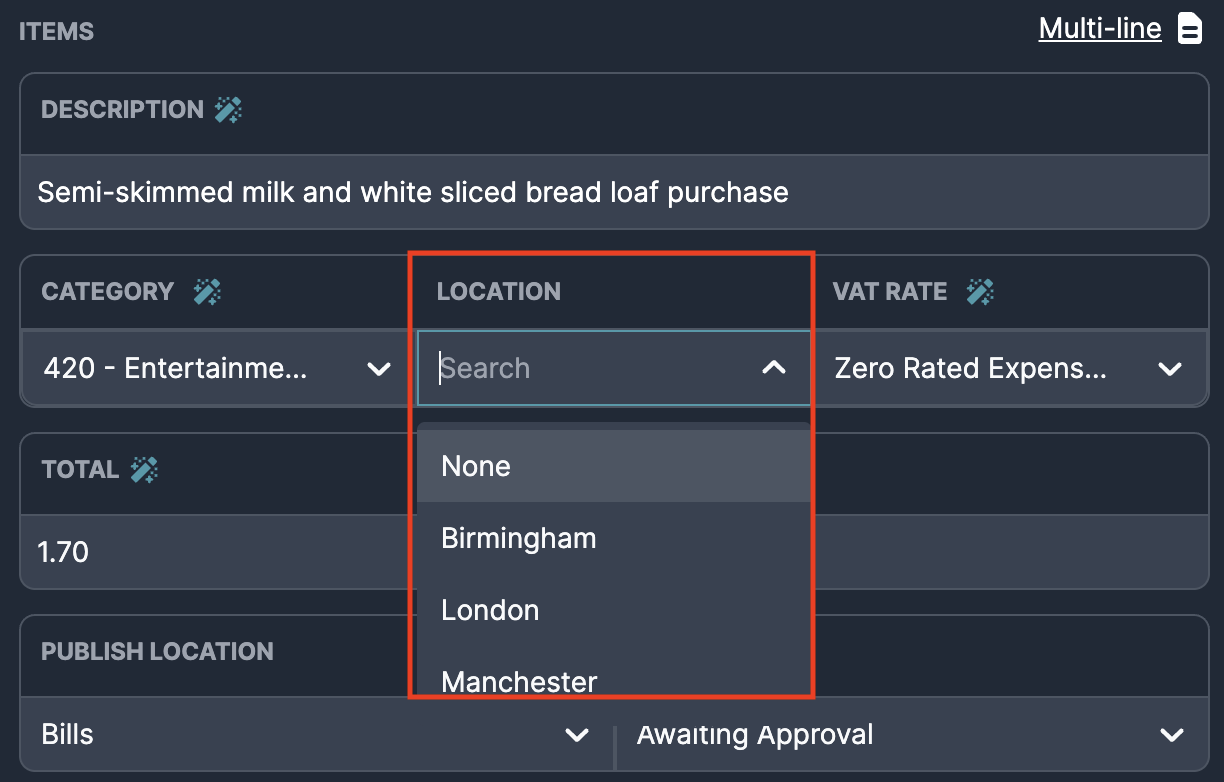
You can always review and override AI-assigned tracking categories or classes. They appear as a field for each invoice, where you can adjust them as needed.
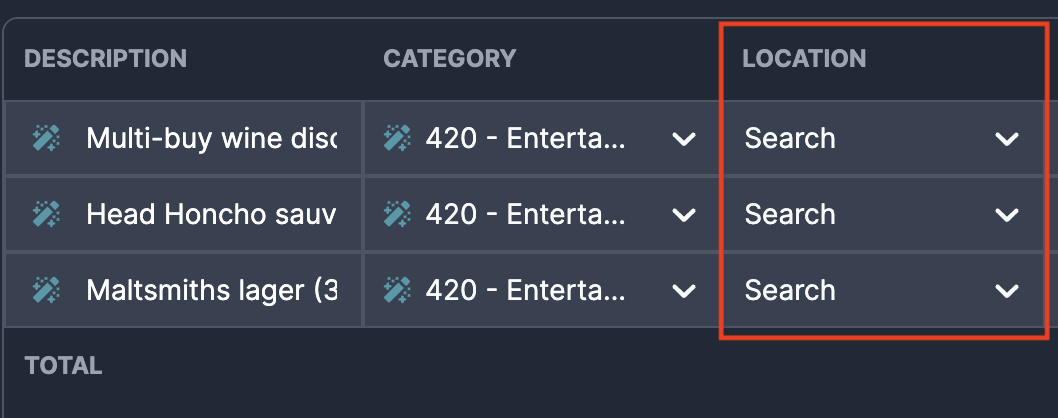
This is also supported on multi-line invoices, where tracking categories and classes can be applied to individual line items.
If you change your tracking categories or classes in Xero or QuickBooks, Briefcase syncs the changes overnight. To sync straight away, go to the Dashboard and click Sync next to the client.